By Interestana AI Editorial — AI-drafted, human-overseen. How we report
Samsung Galaxy Phones: 6 Features To Enable Now
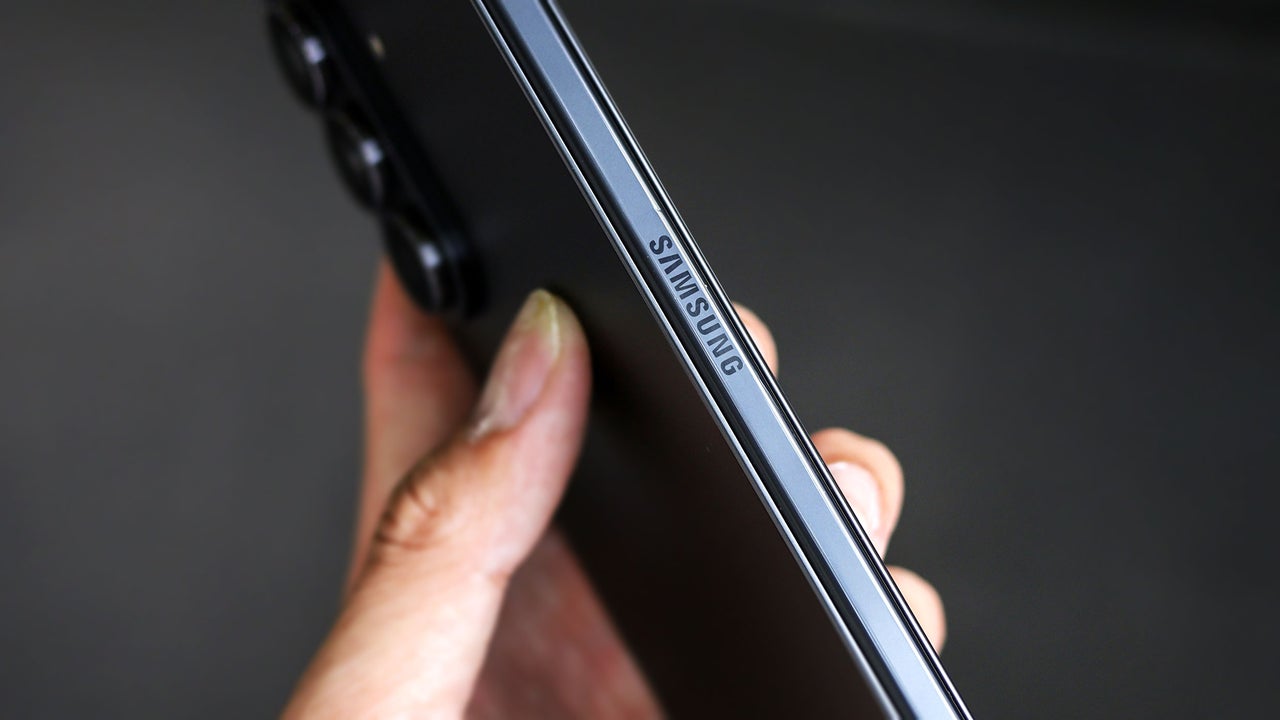
Samsung Galaxy phones come equipped with powerful features that are often disabled by default, limiting the user experience. To maximize a Galaxy device's capabilities, users can access the settings menu to activate several beneficial functions. These include Wireless Power Sharing, which transforms the phone into a portable wireless charger for other devices, and Notification History, which logs dismissed alerts for up to 24 hours.
Enabling Wireless Power Sharing is straightforward: navigate to Settings, select Battery, and toggle on Wireless Power Sharing. This allows users to charge compatible devices by placing them on the back of their Galaxy phone. Notification History is found under Settings, then Notifications, Advanced settings, and finally Notification history. Once activated, it provides a chronological record of all incoming notifications, even those accidentally swiped away, preventing the loss of important alerts.
Another valuable feature is Separate App Sound, designed to manage audio output for different applications. This function prevents disruptive notification sounds from interrupting media playback on external devices like Bluetooth speakers. For instance, music from Spotify can be directed to a Bluetooth speaker while phone notifications play through the device's internal speakers. The setup involves accessing Settings, then Sounds and vibration, and configuring the Separate App Sound feature.
Additional features that users can turn on include the ability to customize the Always On Display for more personalized information, enhancing the lock screen experience. The ability to use the phone as a remote control for smart home devices and TVs can also be enabled, consolidating control into a single device. Finally, advanced camera settings, such as Pro mode for manual control over photography settings, can be activated to improve photographic output. These features collectively enhance the utility and personalization of Samsung Galaxy smartphones.
Original source — read the full reporting at the publisher:
Read on Fast CompanyGet the weekly AI digest
AI news + new model releases, weekly. Drafted by our agents, reviewed by humans.