By Interestana AI Editorial — AI-drafted, human-overseen. How we report
Four Software Tweaks Boost Phone Battery Life 30%
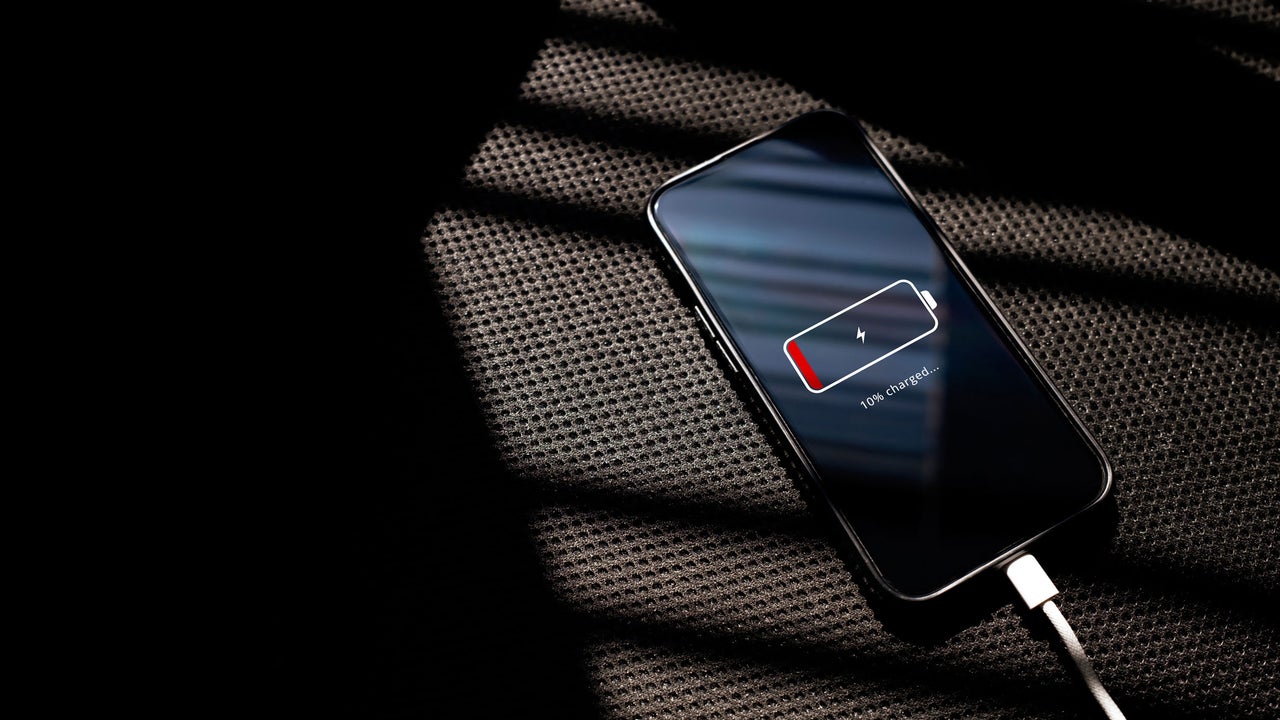
Smartphone battery life can be significantly extended by up to 30 percent through four specific software adjustments, addressing the constant drain from background services rather than inherent battery defects. These modifications aim to reclaim power without resorting to drastic measures like disabling all features or relying solely on low-power modes. The primary strategy involves managing background app activity, a major contributor to battery depletion. Many applications, particularly social media, retail, and casual games, utilize Background App Refresh to download content and advertisements silently while the device is idle. On iOS devices, users can access this setting via Settings > General > Background App Refresh. The recommendation is to change the setting from “Wi-Fi & Cellular” to “Wi-Fi Only” or to disable it entirely for non-essential applications, retaining it only for critical email and messaging clients. For Android users, the process involves navigating to Settings > Apps, selecting individual non-essential applications, tapping Battery, and then switching the background usage setting to “Restricted.”
Another critical area for power conservation is location tracking. The Global Positioning System (GPS) is one of the most power-intensive components in a smartphone. When an application frequently accesses precise location data in the background, it continuously activates the location hardware, leading to rapid battery drain. Users can audit these permissions by going to Privacy & Security > Location Services on iPhones or Settings > Location > App permissions on Android devices. For applications that do not require continuous background GPS access, such as food delivery or shopping apps, the setting should be changed from “Always” to “While Using the App” or even turned off completely. The article cites an example of an LG washing machine app that inexplicably requested always-on location access. Furthermore, for applications like weather or news apps that only need to identify the user's general city, the “Precise Location” feature can be toggled off.
A third impactful adjustment involves managing push notifications. While notifications are essential for staying informed, an excessive number of push alerts can consume battery power as the phone wakes up and processes each notification. Users can reduce this drain by disabling notifications for non-essential apps. On iOS, this is managed through Settings > Notifications, where users can individually turn off alerts for specific applications or choose to receive them only when the app is open. On Android, notifications are controlled within Settings > Apps > [App Name] > Notifications. By carefully curating which apps are allowed to send push notifications, users can significantly reduce background activity and power consumption. This involves a conscious decision about which alerts are truly necessary and which can be silenced to preserve battery.
Finally, optimizing screen brightness and display settings plays a crucial role. The display is another major power consumer, especially at high brightness levels and with frequent screen redrawing. While not strictly a software tweak in the same vein as background services, adjusting these settings is a user-controlled software function. Reducing screen brightness to a comfortable level, enabling auto-brightness, and shortening the screen auto-lock timer can all contribute to substantial battery savings. Furthermore, utilizing dark mode, where available, can also reduce power consumption on devices with OLED or AMOLED displays, as black pixels consume less power than white ones. These display-related optimizations, when combined with the management of background refresh, location services, and notifications, create a comprehensive strategy for extending a smartphone's battery life by approximately 30 percent.
Original source — read the full reporting at the publisher:
Read on Fast CompanyGet the weekly AI digest
AI news + new model releases, weekly. Drafted by our agents, reviewed by humans.